One controller. Every mode. Total control.
Steering Wheel
Realistic & precise control
Gyro Wheel
Up to 2000° rotation, ultra immersive driving
Gamepad Mode
Gamepad layout with gyro camera control and mouse emulation
Haptic Feedback
Feel every turn, hit & vibration
Tilt Steering
Natural & easy to use
Mouse Mode
Gyro aiming & mouse emulation
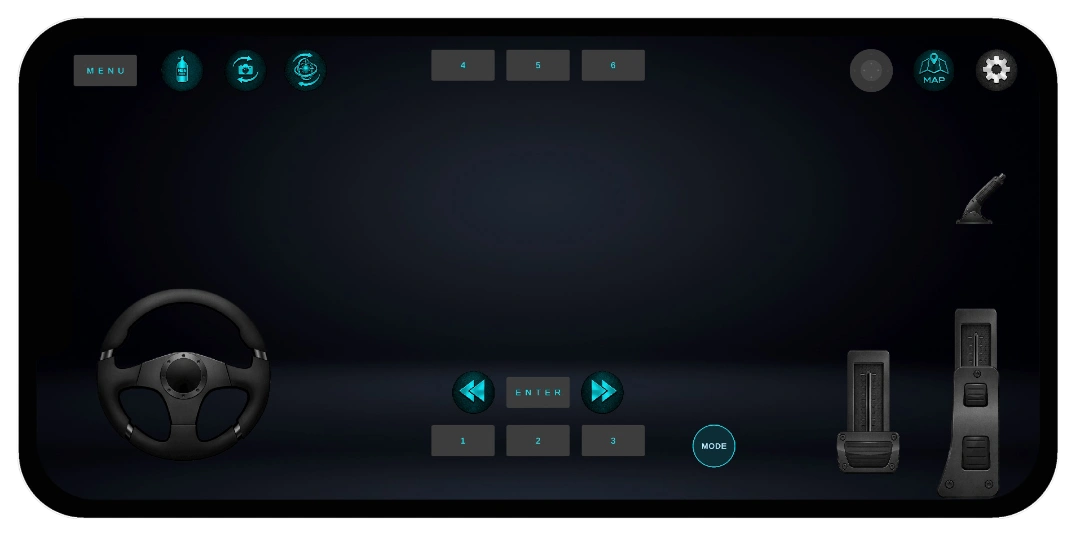
Wheel Mode. Smooth. Precise. Responsive.
Dynamic sensitivity that adapts to every swipe.
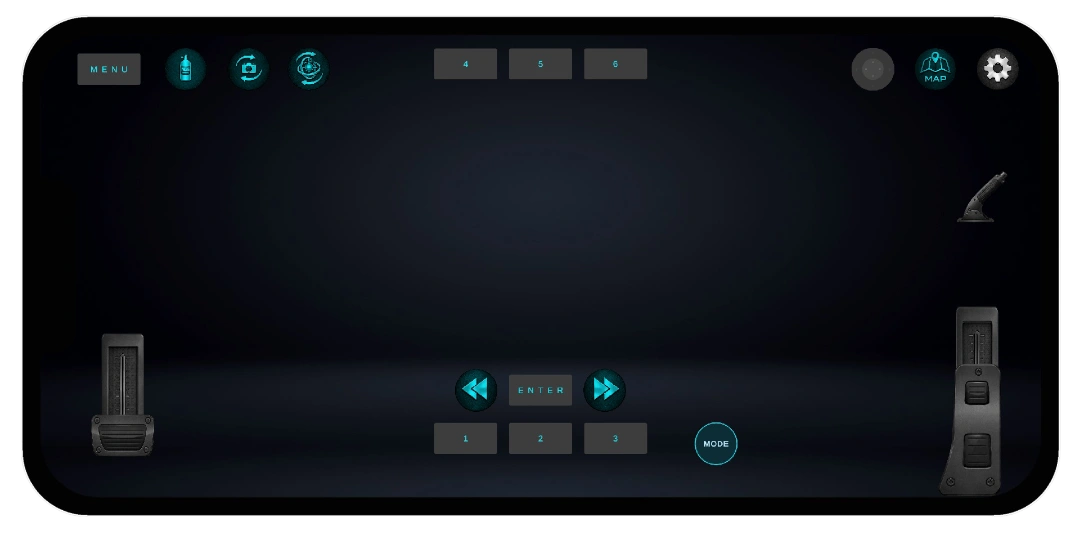
Tilt & Gyro Wheel
Tilt Mode
For relaxed driving, just lean your phone naturally.
Gyro Wheel
Mount your phone on a real, external wheel; supports up to 2000° lock-to-lock rotation.
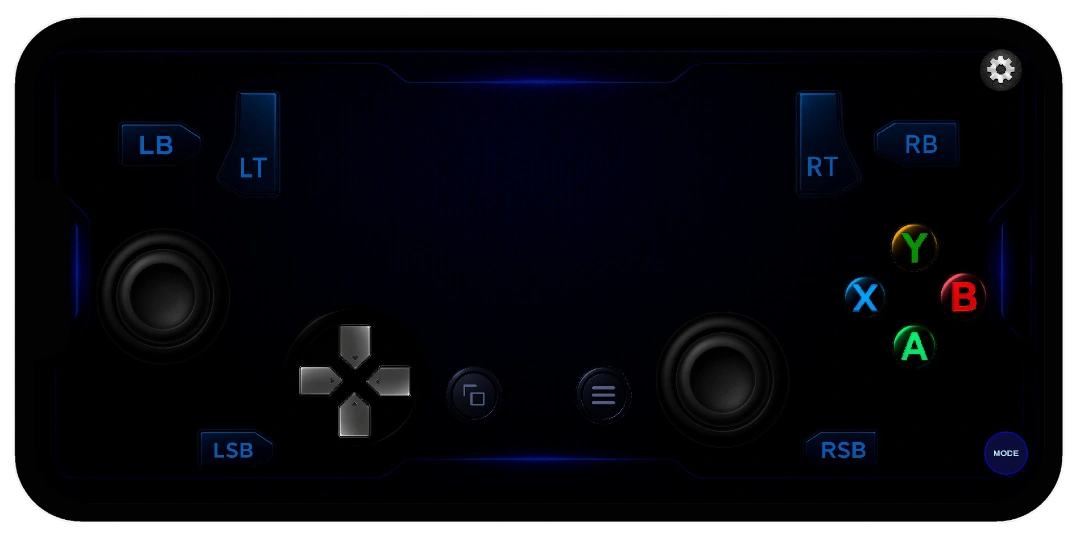
Gamepad Mode
Gyro. Mouse. Dynamic touch camera. Built for arcade-perfect aim.
With dynamic touch screen emulation, you can emulate mouse for camera control, for a more immersive experience.
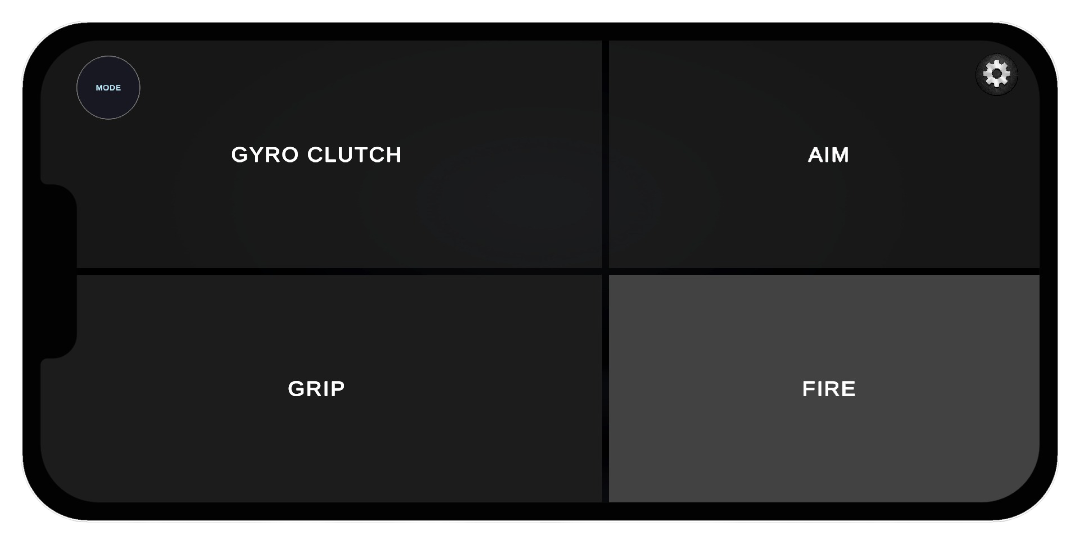
Mouse Mode
Point, aim, and play. Casual fun, your way.
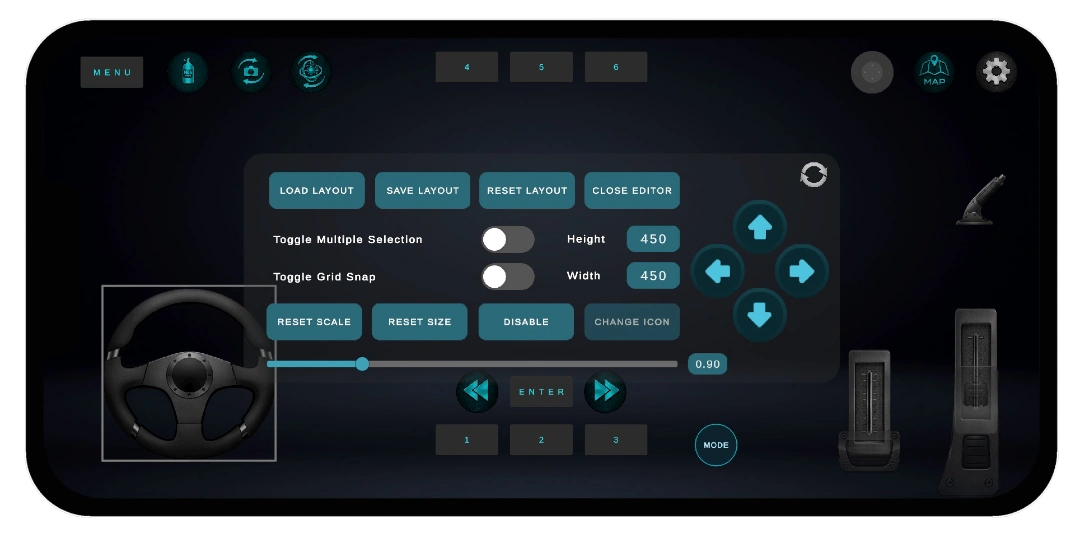
Create Your Own Control Layout
Replace Steering Wheel, buttons and everything with custom images.
On the PC Receiver Side
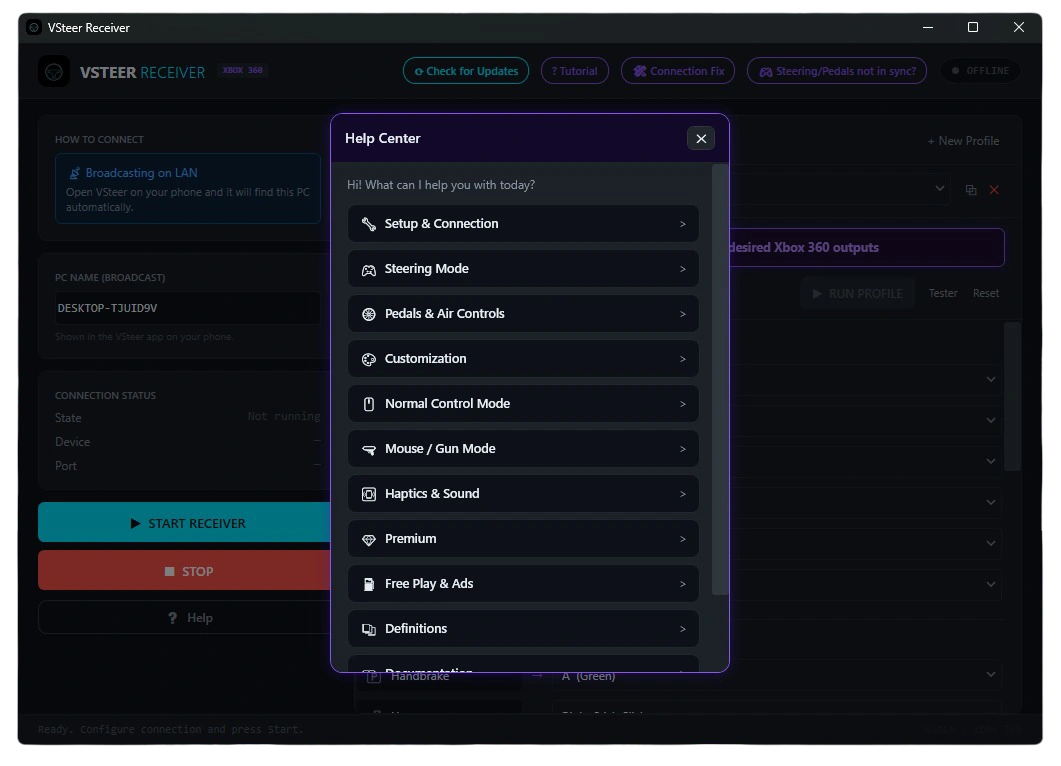
Help Guide
Dedicated Help Guide to answer all your questions about everything related to Virtual Steering Controller.
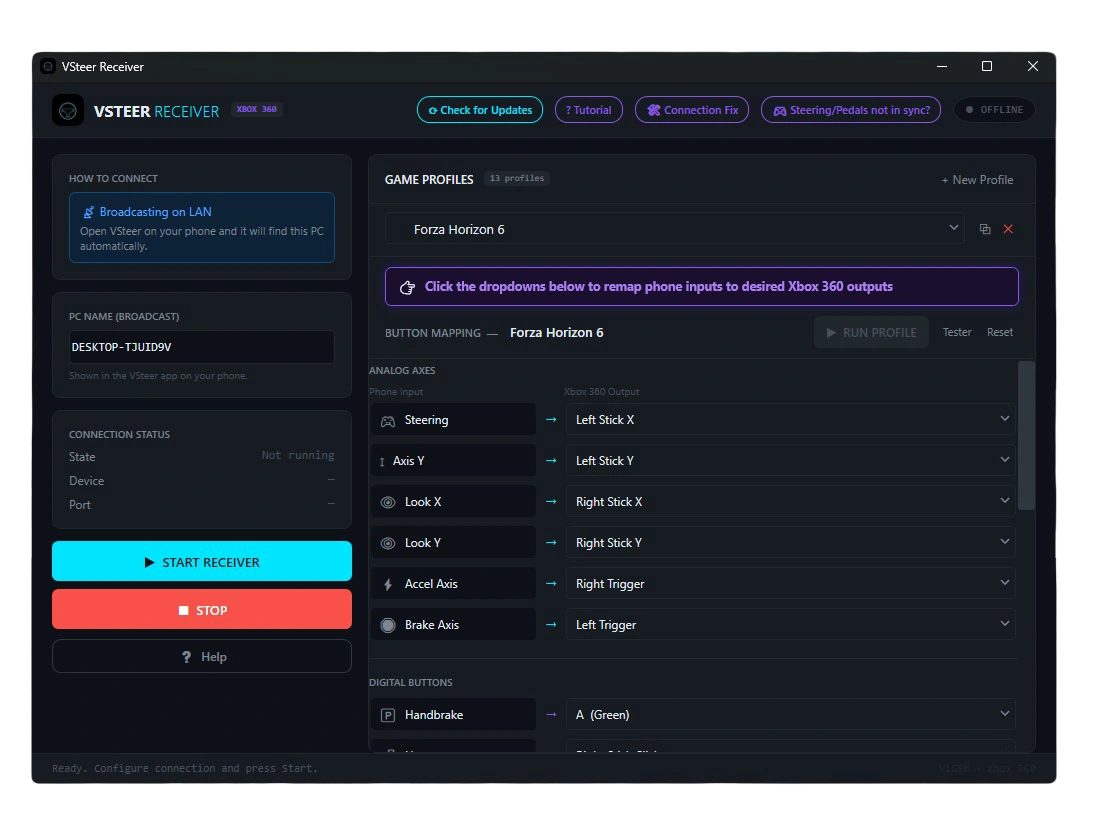
Receiver: Fully Customizable
From the receiver, you can completely remap the inputs in Steering Mode. Some game profiles are provided by default; you can also create your own game profile by either duplicating the existing profile (⧉ button), or creating a new profile and editing it as per the requirements of the game.
One App. Every Control Style.
Drive. Race. Fly. Explore. Play your way.
Install Now